-(2).png)
Deleting One or More Teachers (Manually Rostered School/District Plans)
This document is for administrators of manually rostered accounts, not those that are integrated with ClassLink or Clever. Only account administrators can delete teachers.
- If a teacher is deleted, the data associated with that teacher will also be erased.
- The process of deleting a teacher can not be reversed, but the teacher who was deleted can be added to the MathFactLab account again at any time.
- Deleting a teacher does not delete the class or the students assigned to that teacher. No student data will be lost. The deleted teacher's class and students can be assigned to a different teacher.
To delete a single teacher:
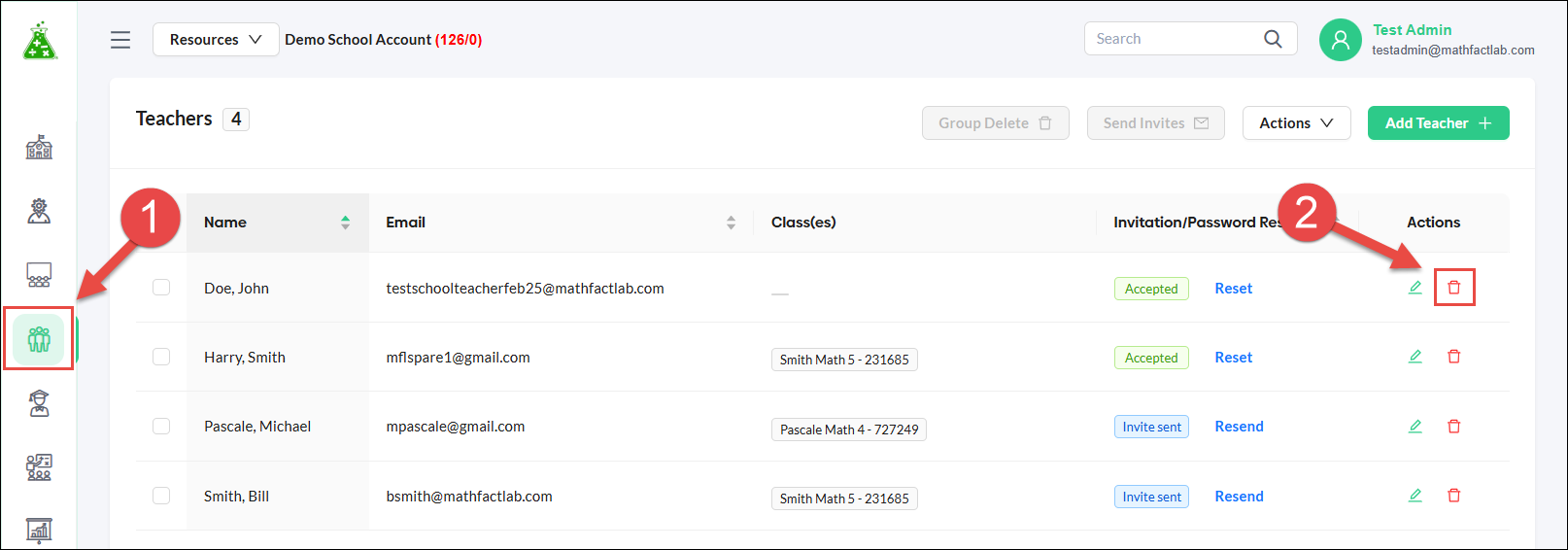
- Click on the Teachers tab.
-
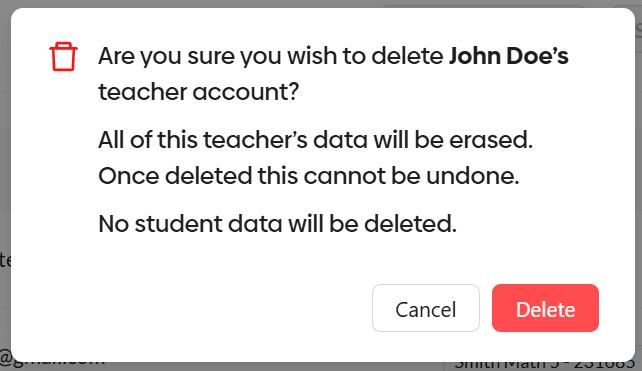
Click on the trash can icon in the teacher's row and confirm this deletion in the pop-up window.
To delete multiple teachers:
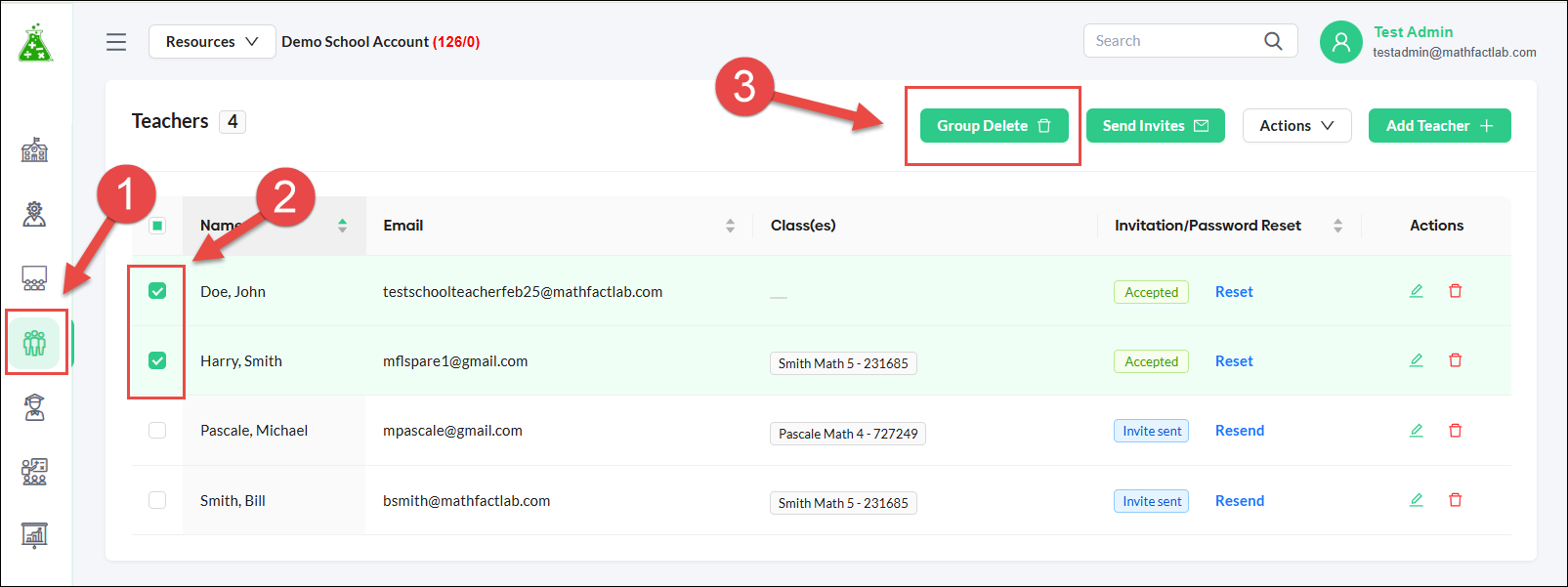
- Start on the Teachers tab.
- Select the teachers you wish to delete by clicking in their checkboxes.
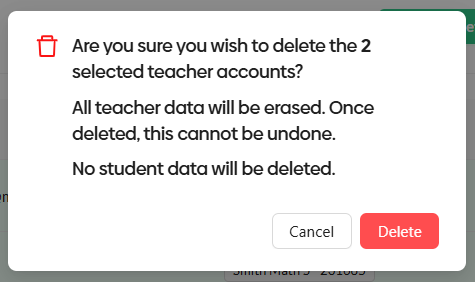
- Click the Group Delete button and confirm these deletions in the pop-up window.